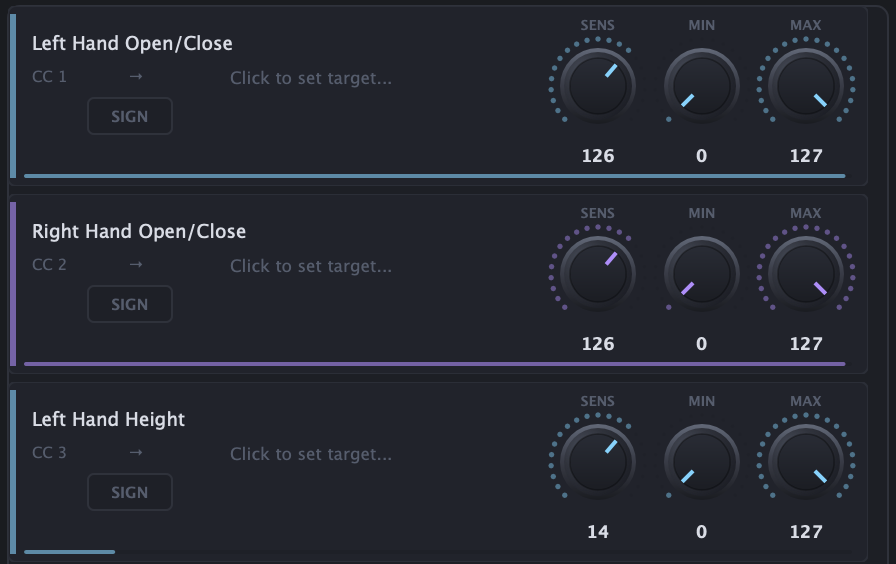
Pre-recorded gesture mappings with sensitivity knobs

Gesture library

Pre-recorded gestures

Control
Openness · height · pinch
Setup
Zero config
Output
Any CC parameter

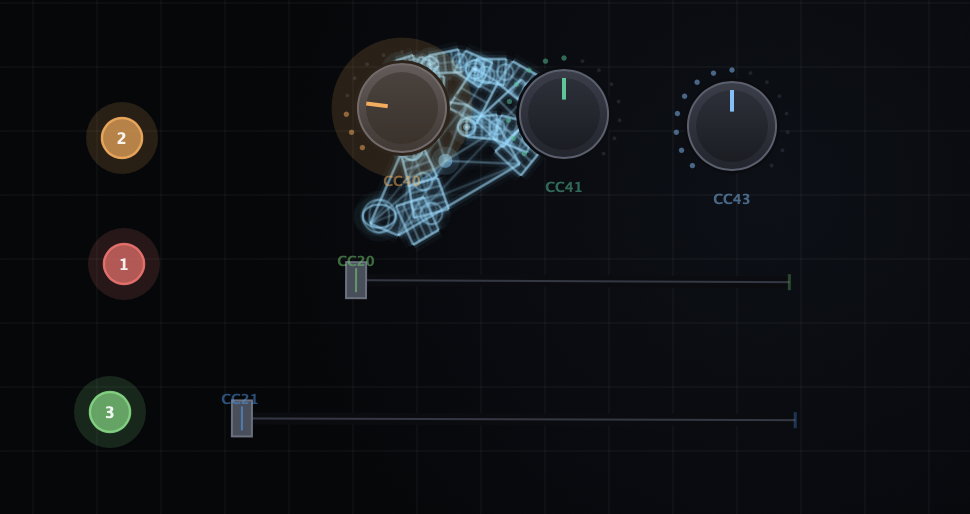
A library of ready-made mappings - hand openness, height, X position, distance between hands, pinch and snap - all pre-wired and ready to assign to any parameter.
Overview

What it does.

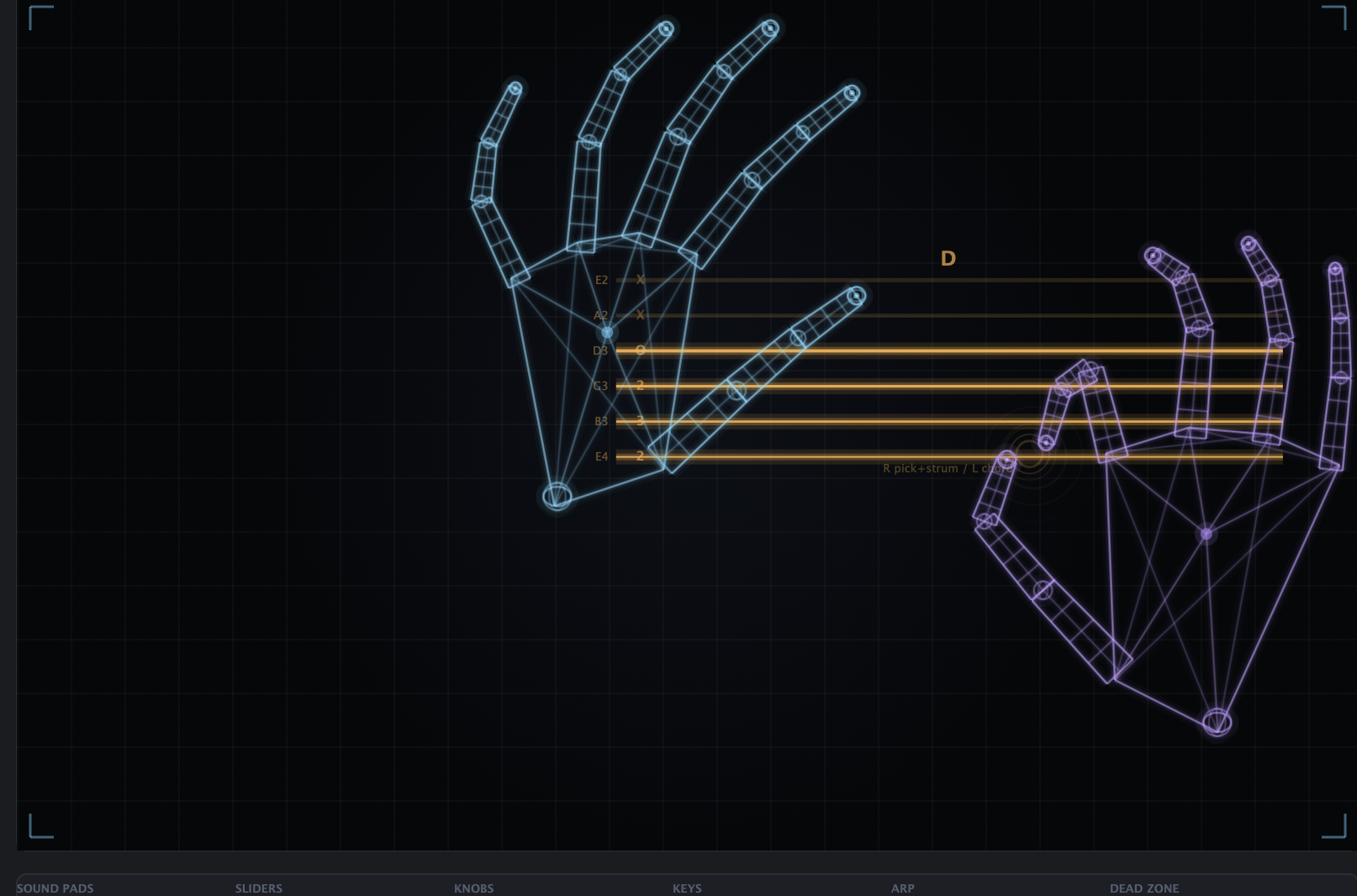
A library of ready-made mappings - hand openness, height, X position, distance between hands, pinch and snap - all pre-wired and ready to assign to any parameter.
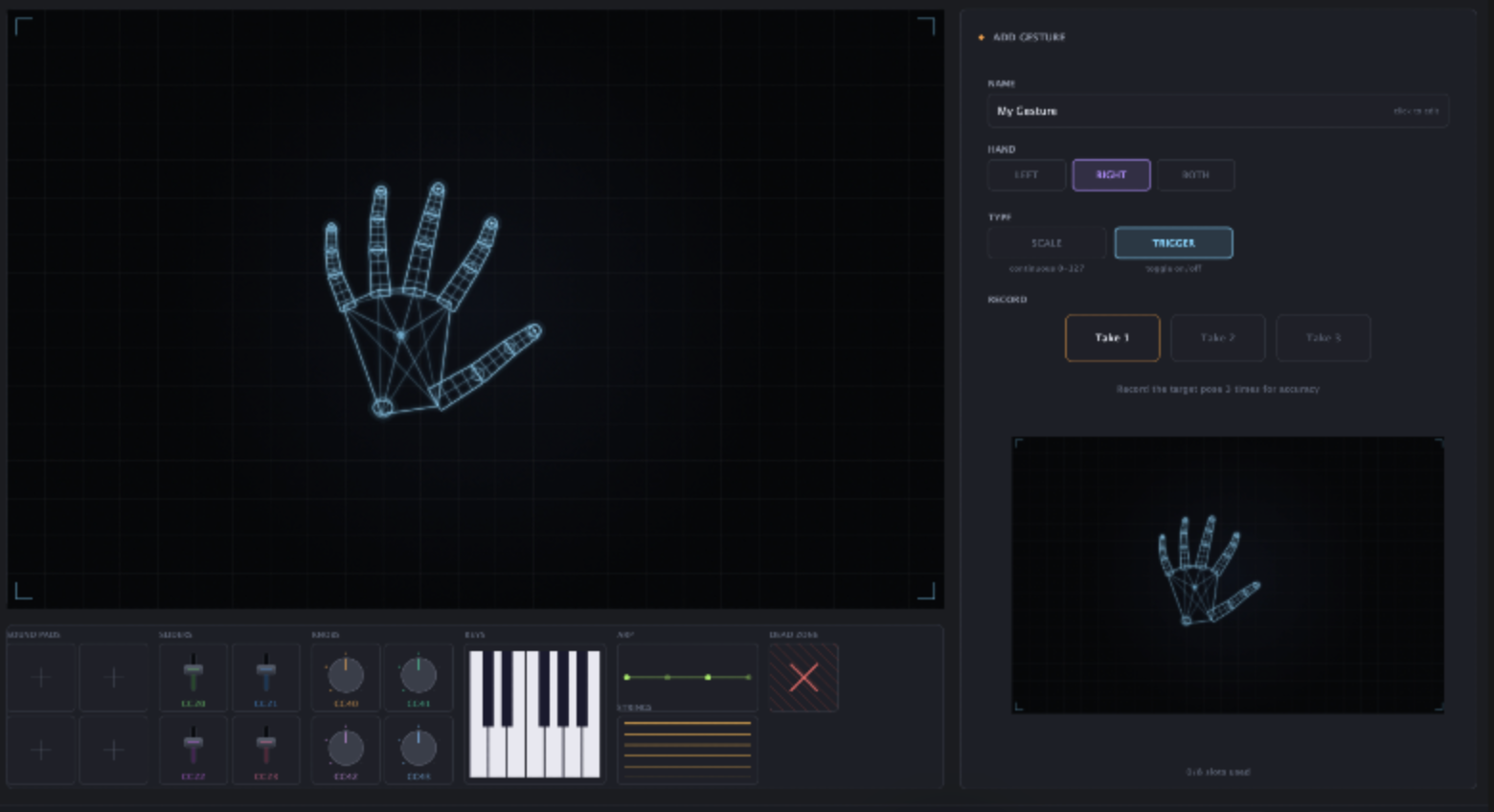
Drop one onto the canvas and it just works. No calibration, no setup - a fast way to get expressive control before you build your own gestures.

Great as a starting point - clone a preset and tweak it instead of building from scratch.

How to use

Assign in four moves.

  1. Open the library

    Open the Gesture Library from the toolbar and browse the ready-made mappings.

  2. Pick a gesture

    Choose one - hand openness, height, X position, hand distance, pinch or snap - and drop it on the canvas.

  3. Map to a parameter

    Assign it to any CC channel / parameter in your DAW.

  4. Tune the feel

    Move your hand to see it respond live, then adjust range and sensitivity to taste.

More instruments.