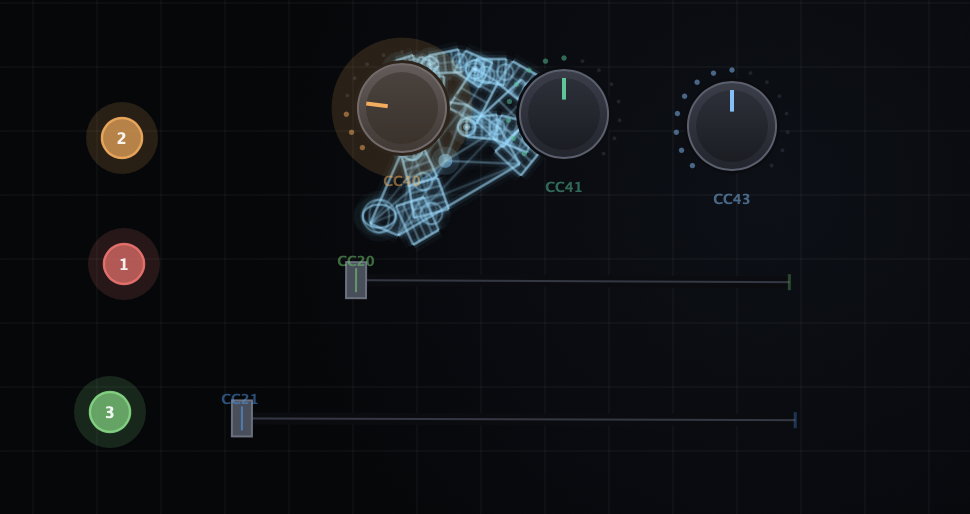
Sliders and knobs mapped to CC channels

Controls · any CC

Sliders & Knobs

Control
Fist grip + wrist twist
Surface
Sliders & knobs
Output
Any CC, ranged

Drag sliders and knobs onto the canvas. Grab a slider with a fist grip and slide along the line. Pinch near a knob and twist your wrist to rotate.

Overview

What it does.

Drag sliders and knobs onto the canvas. Grab a slider with a fist grip and slide along the line. Pinch near a knob and twist your wrist to rotate.
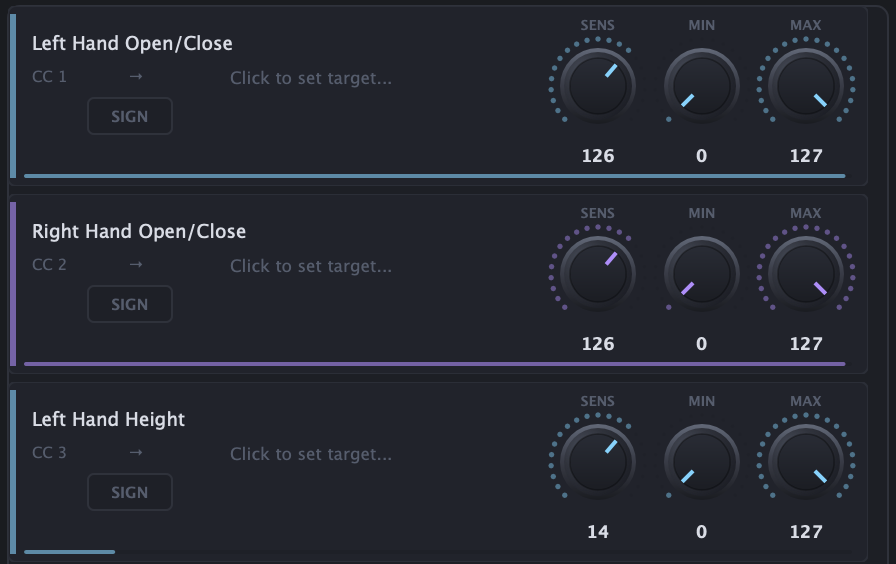
Each maps to any CC channel with adjustable range - build the exact control surface your track needs.

Give each knob a sensible range so small hand moves map to musical amounts.

How to use

Build in four moves.

  1. Drop a control

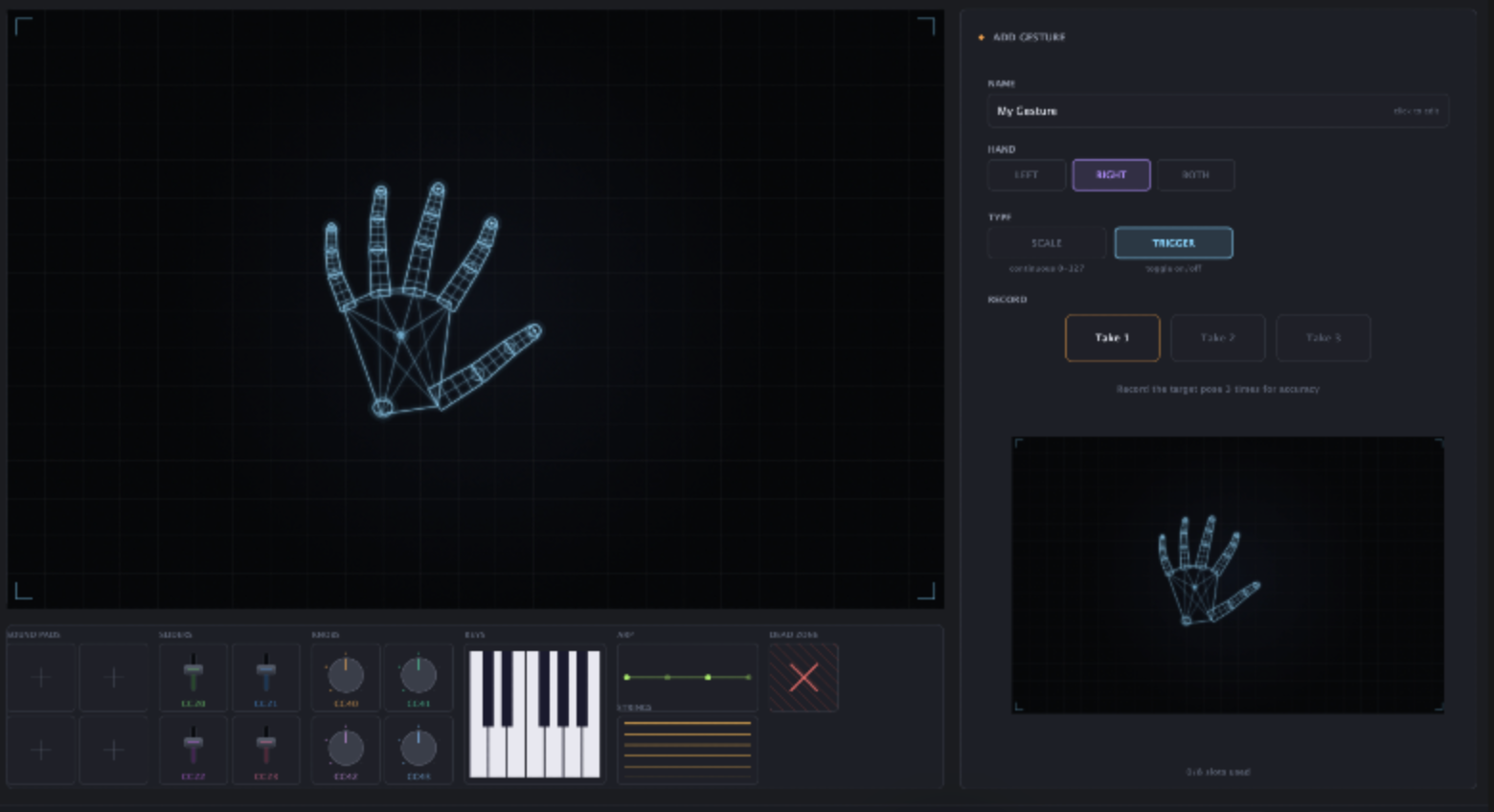
    Drag sliders and knobs from the toolbar onto the canvas.

  2. Grab a slider

    Close a fist grip on a slider and slide along its line.

  3. Twist a knob

    Pinch near a knob and twist your wrist to rotate it.

  4. Map it

    Assign each control to any CC channel and set its range.

More instruments.