16-step arp
Keys
Play
Curl fingers
Sequencer
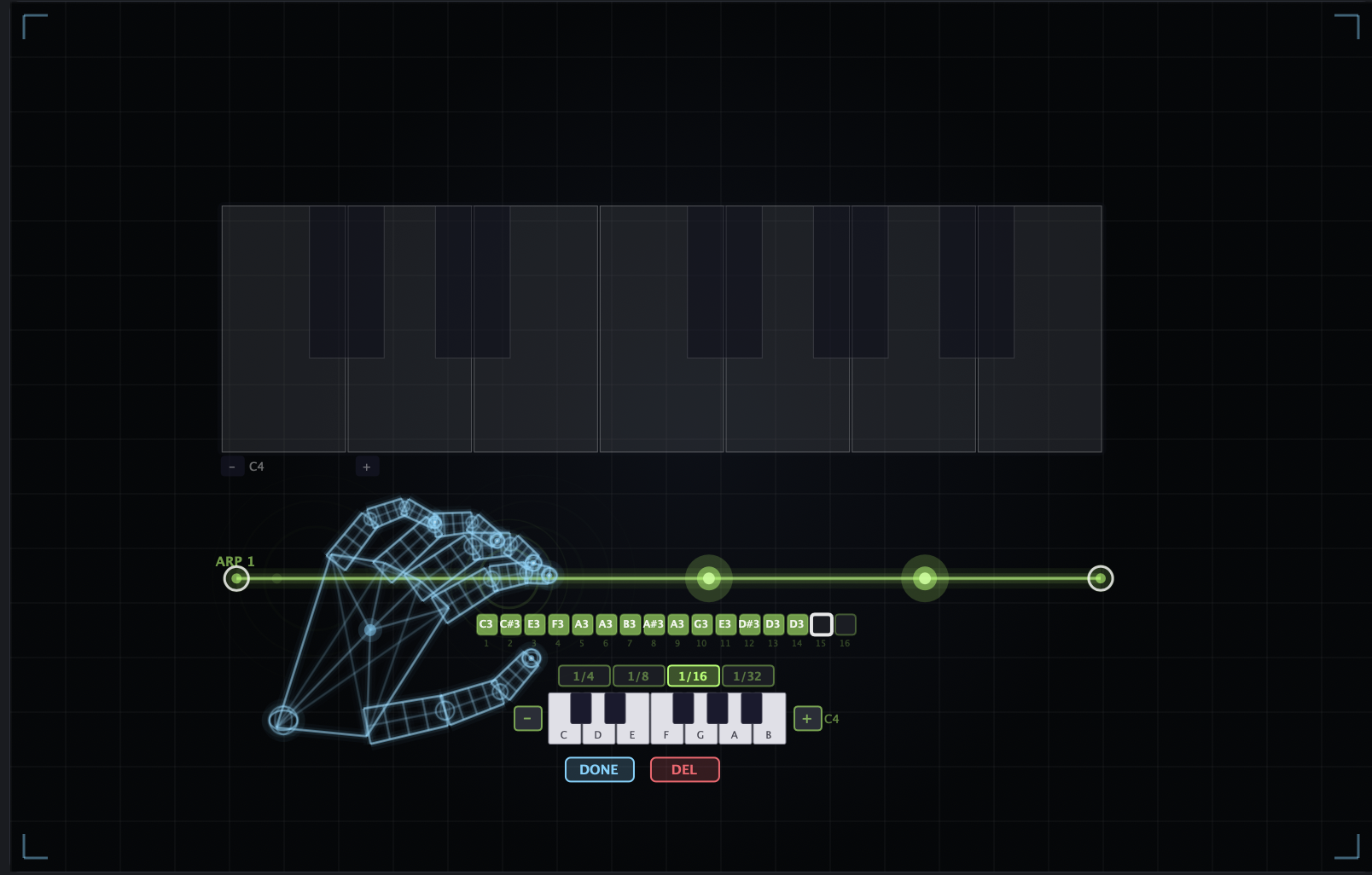
16-step arp
Sync
BPM-locked
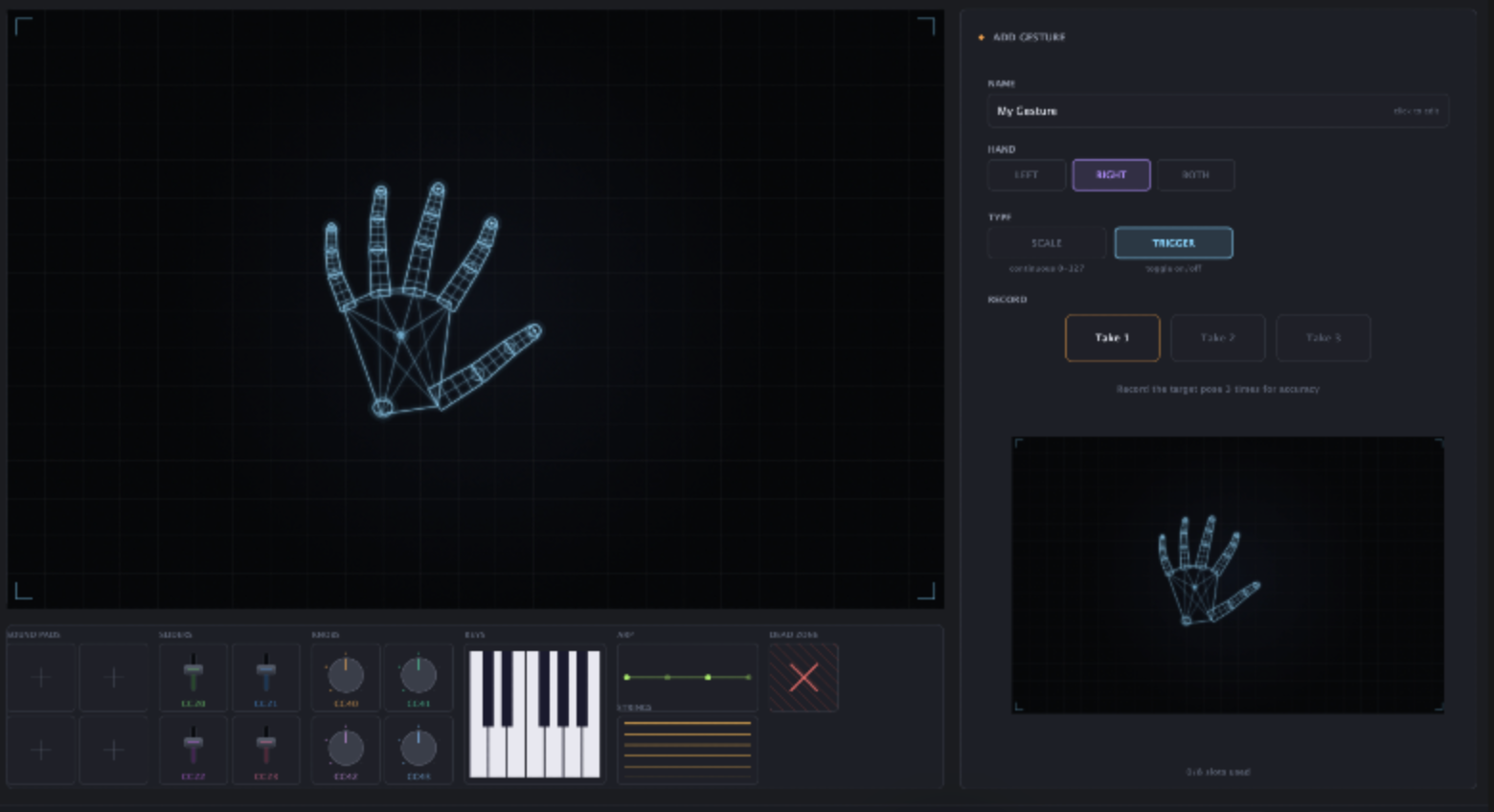
A virtual piano on the canvas - curl individual fingers to play notes.
16-step arp
A virtual piano on the canvas - curl individual fingers to play notes.
Overview
A virtual piano on the canvas - curl individual fingers to play notes.
Pair it with the arp laser for BPM-synced sequences: a 16-step sequencer with per-step note assignment.
How to use
Place the Keys instrument on the canvas - a virtual piano appears.
Curl individual fingers to play the corresponding notes.
(Optional) Bring in the arp laser and set your step count.
Assign a note per step for a BPM-synced 16-step sequence.