NEW · 1.0.0 Brooklyn · Berlin · Tokyo
VST3 · AU · Standalone macOS 12+ / Win 10+

Hands on,
the last
MIDI controller
you'll need.

Nimbus turns your webcam into expressive MIDI CC controllers. No gloves. No sensors. No nonsense. Two hands, twelve channels, real-time tracking.

Tracking
30Hz
Webcam at full RGB, any resolution.
Latency
Low
Real-time. Below perception.
Landmarks
21
Per hand. Sub-pixel precision.
CC channels
12
Map anything your DAW exposes.
§ 01 — Signal flow

From pixel to MIDI
in real time.

01
Stage — Capture

Any webcam. Any light.

MediaPipe pipeline at 30Hz, full RGB. No calibration, no markers, no gloves. The laptop camera you already own is enough.

Continuous auto-exposure, dynamic crop, optional 720p mode for older machines.

Wireframe 3D webcam with optical path and data stream visualisation
02
Stage — Track

Twenty-one landmarks per hand.

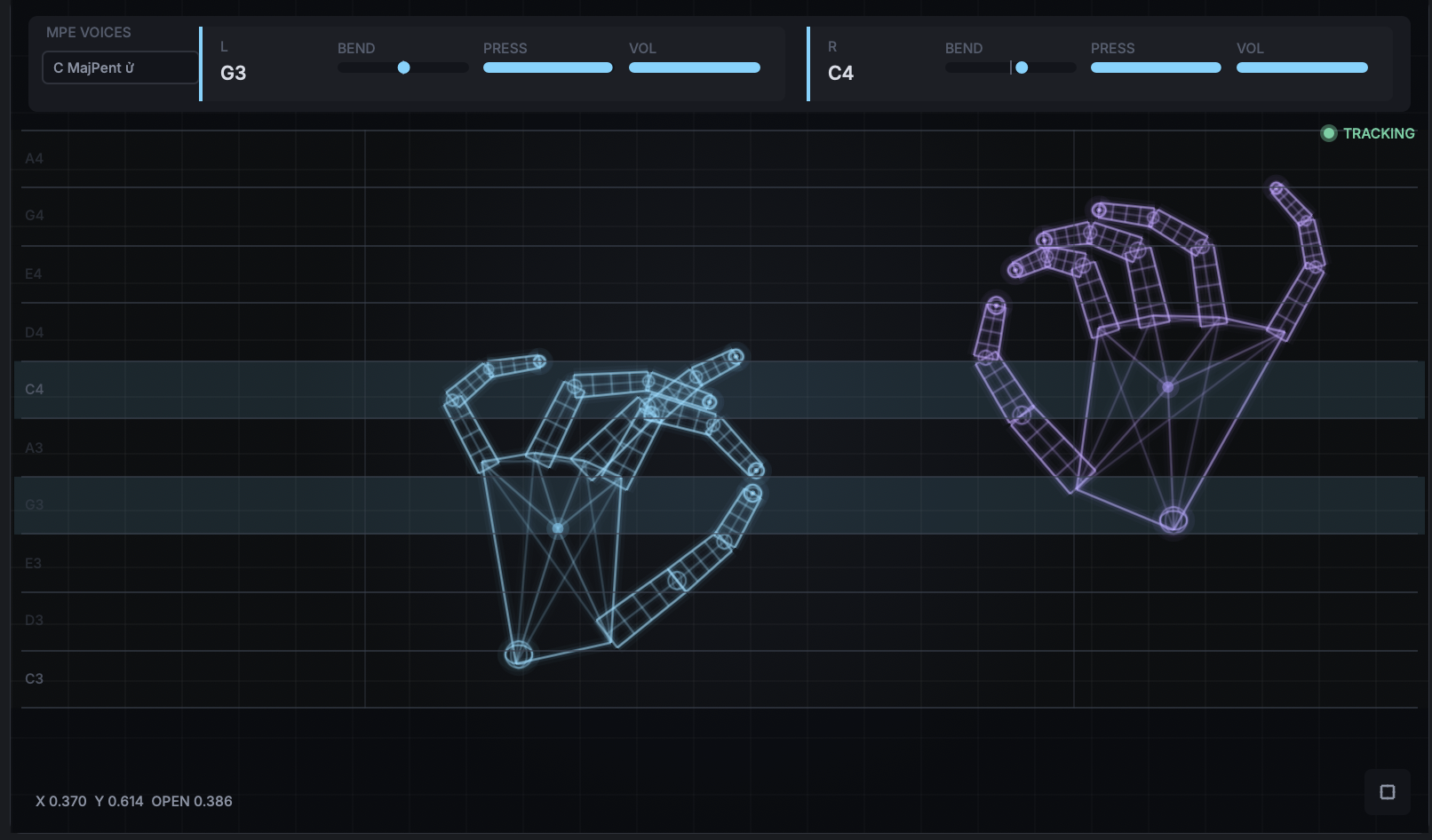
MediaPipe hand landmark detection finds every joint and fingertip per frame. Openness, pinch distance, rotation, snap, and custom gestures are all derived in real time.

One-euro filter, configurable dead-zone, sub-pixel temporal smoothing.

Hand tracking visualisation with twenty-one cyan wireframe landmarks and HUD overlay
03
Stage — Control

MIDI out — to anything.

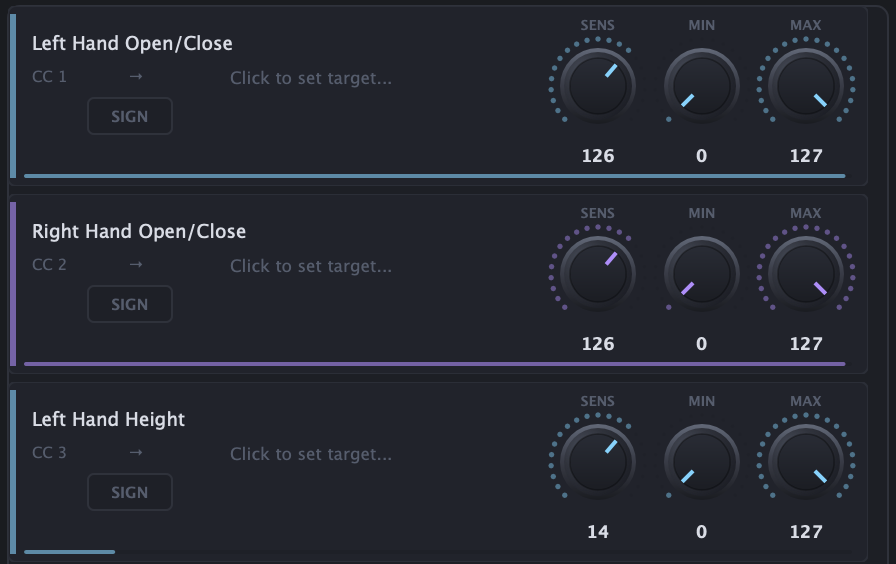
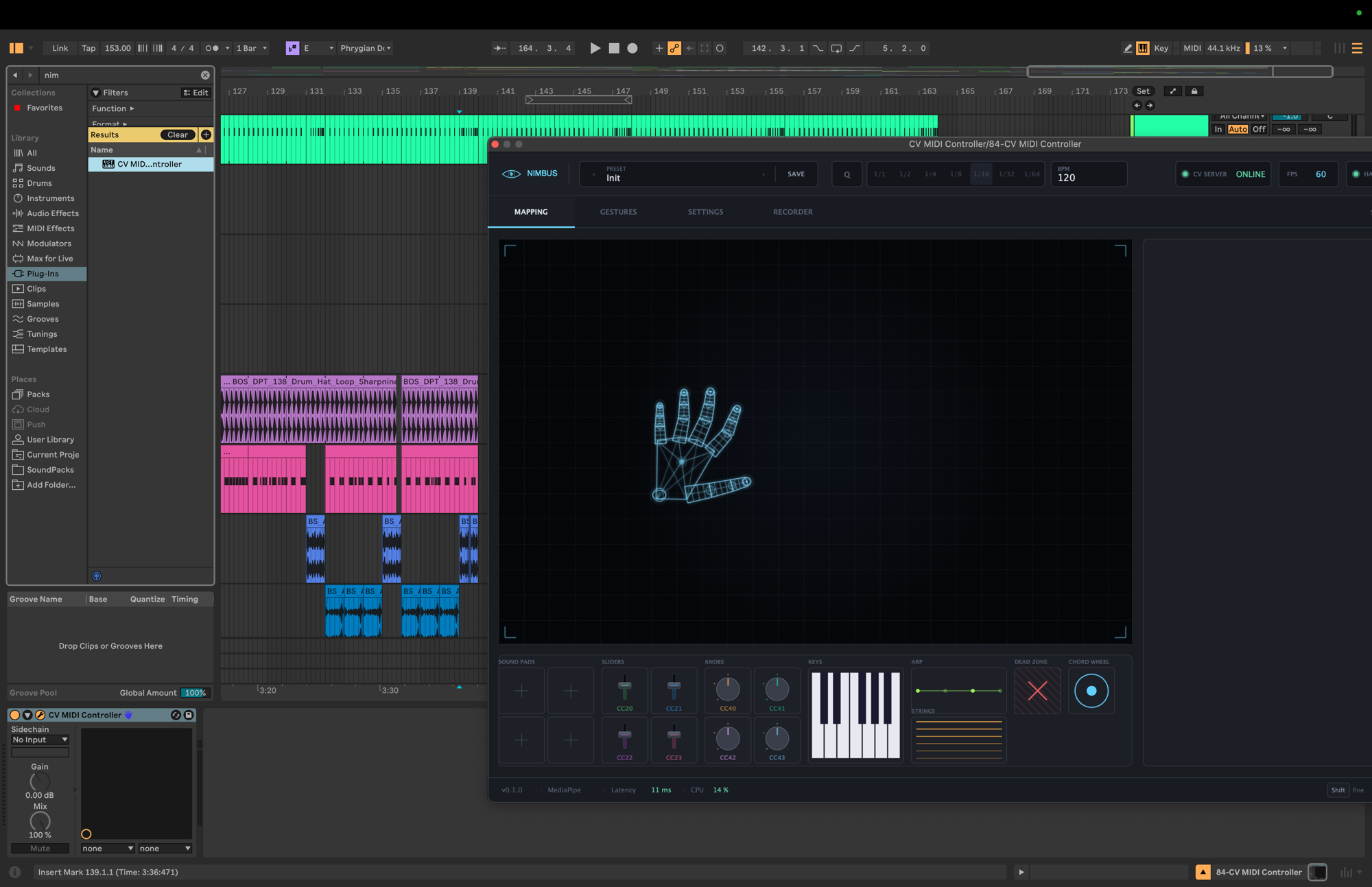
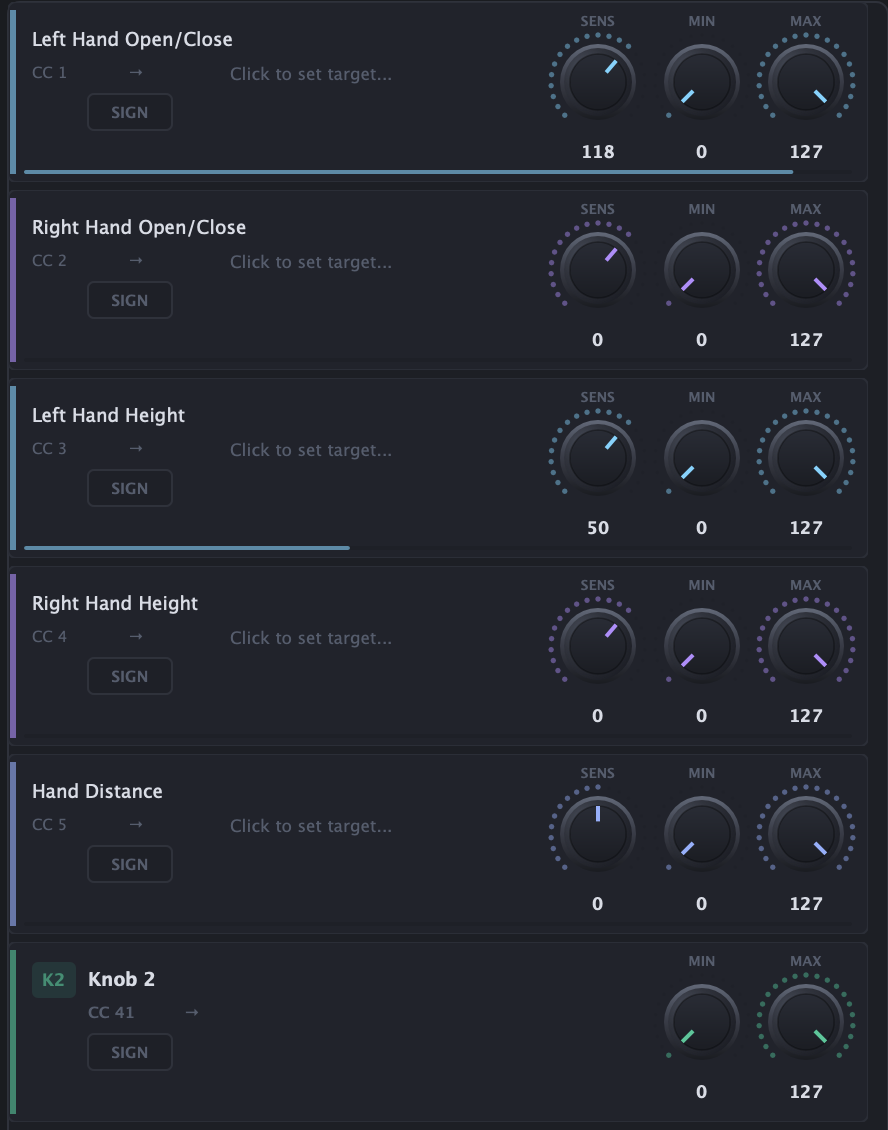
Smoothed CC channels with adjustable response curves, gain, and dead-zone. Right-click any synth knob, wiggle your hand, mapped.

Standard MIDI Learn. Works with Serum, Vital, Massive X, Diva, Pigments and anything else.

CC 1 · CH 1
Ableton Live · Nimbus.vst3
§ 02 — The toolkit

The Pieces.

Pre-recorded gestures

Pre-recorded gestures

Ship with a library of ready-made gesture mappings. Hand openness, height, X position, distance between hands, pinch, and snap — all pre-wired and ready to assign to any parameter.
Gesture recorder

Gesture recorder

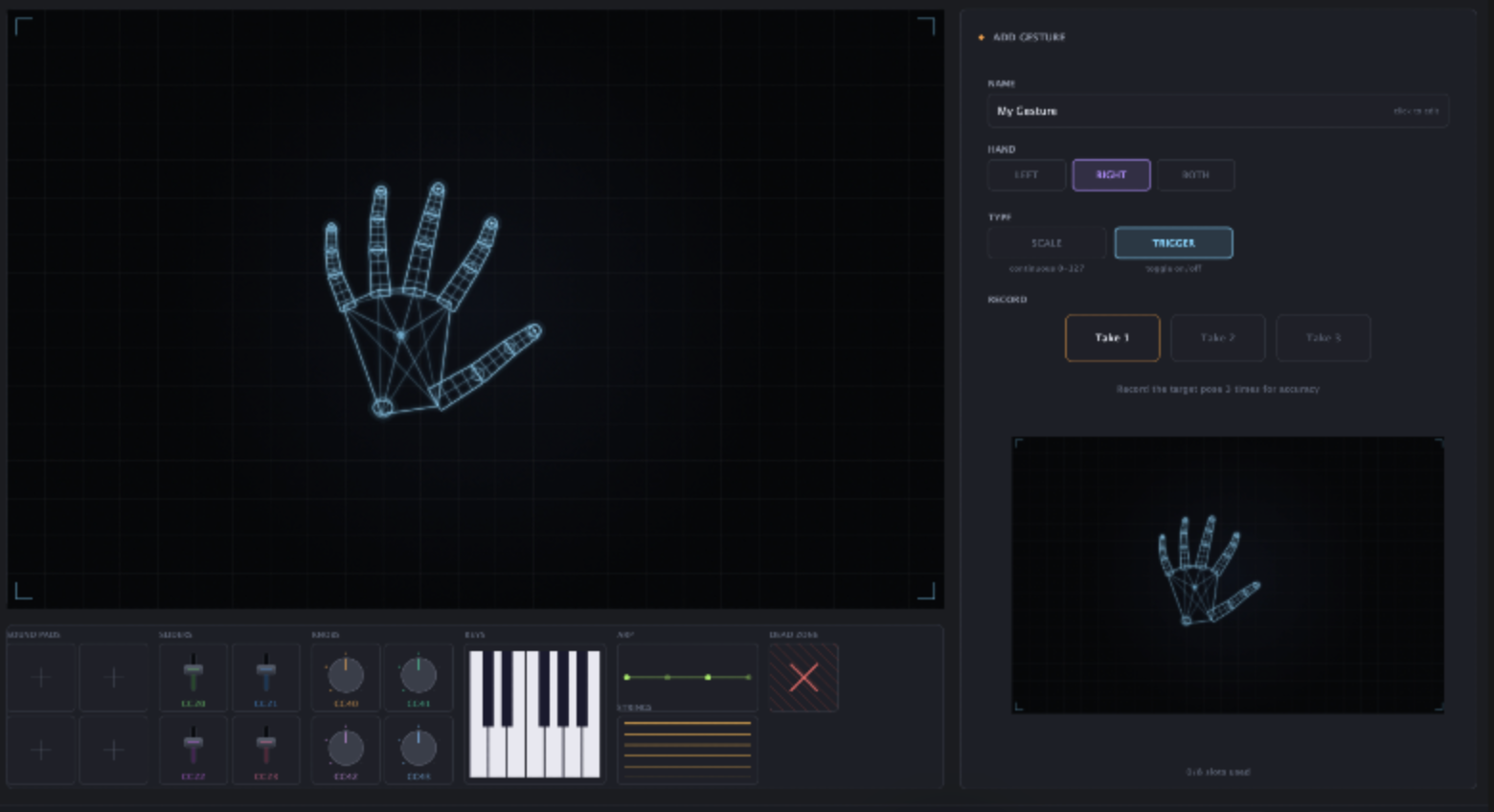
Record any hand pose or movement, name it, and map it to a CC channel. Choose trigger mode for on/off switches or scale mode for continuous control. Your vocabulary, your rules.

Keys

Keys

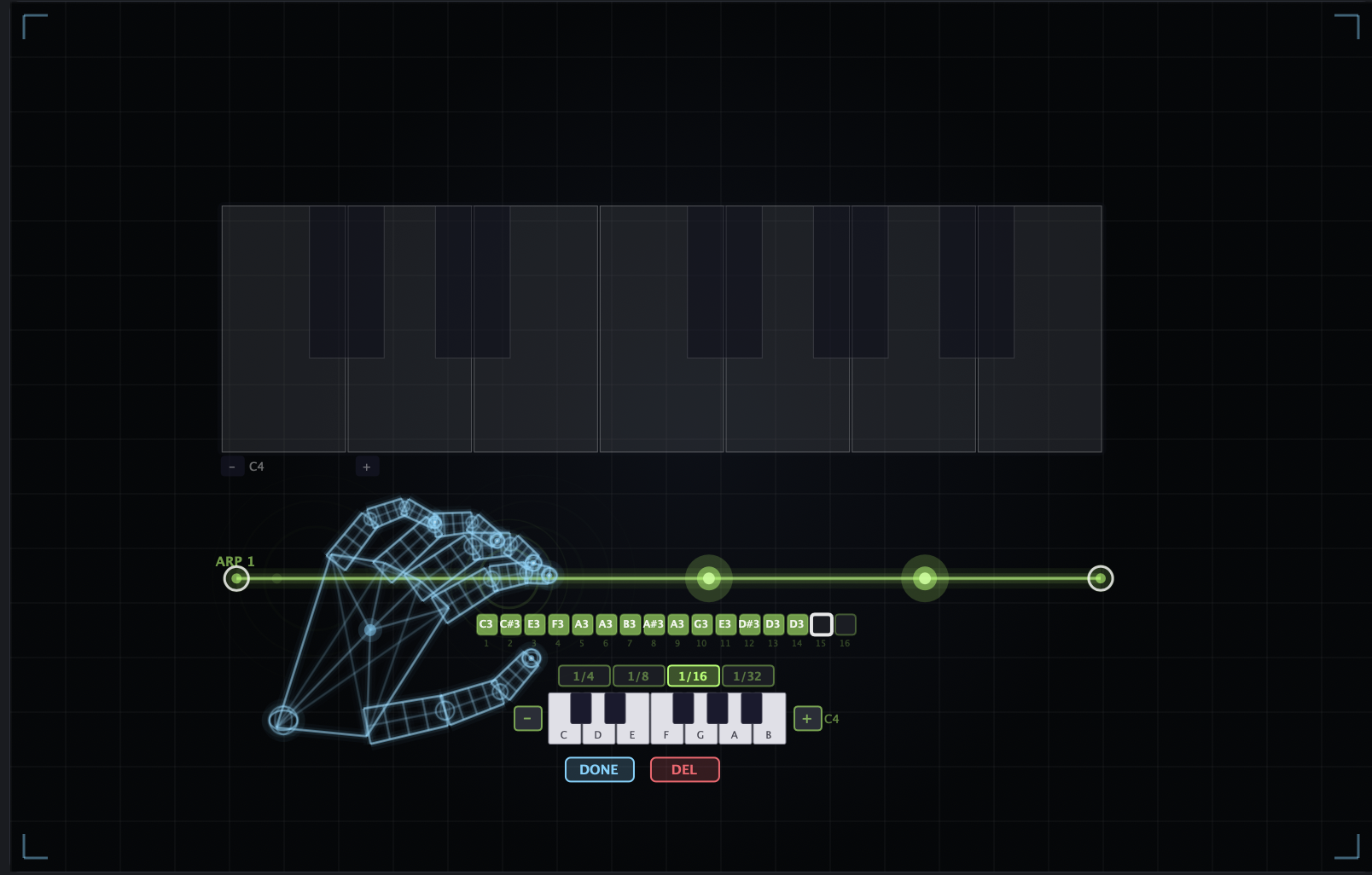
A virtual piano keyboard on the canvas. Curl individual fingers to play notes. Pair with the arp laser for BPM-synced sequences — 16-step sequencer with per-step note assignment via a built-in piano picker.

Strings

Strings

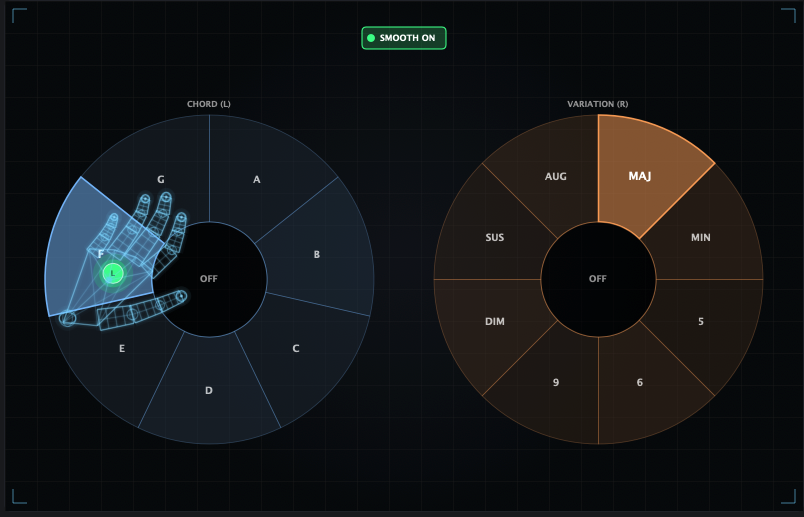
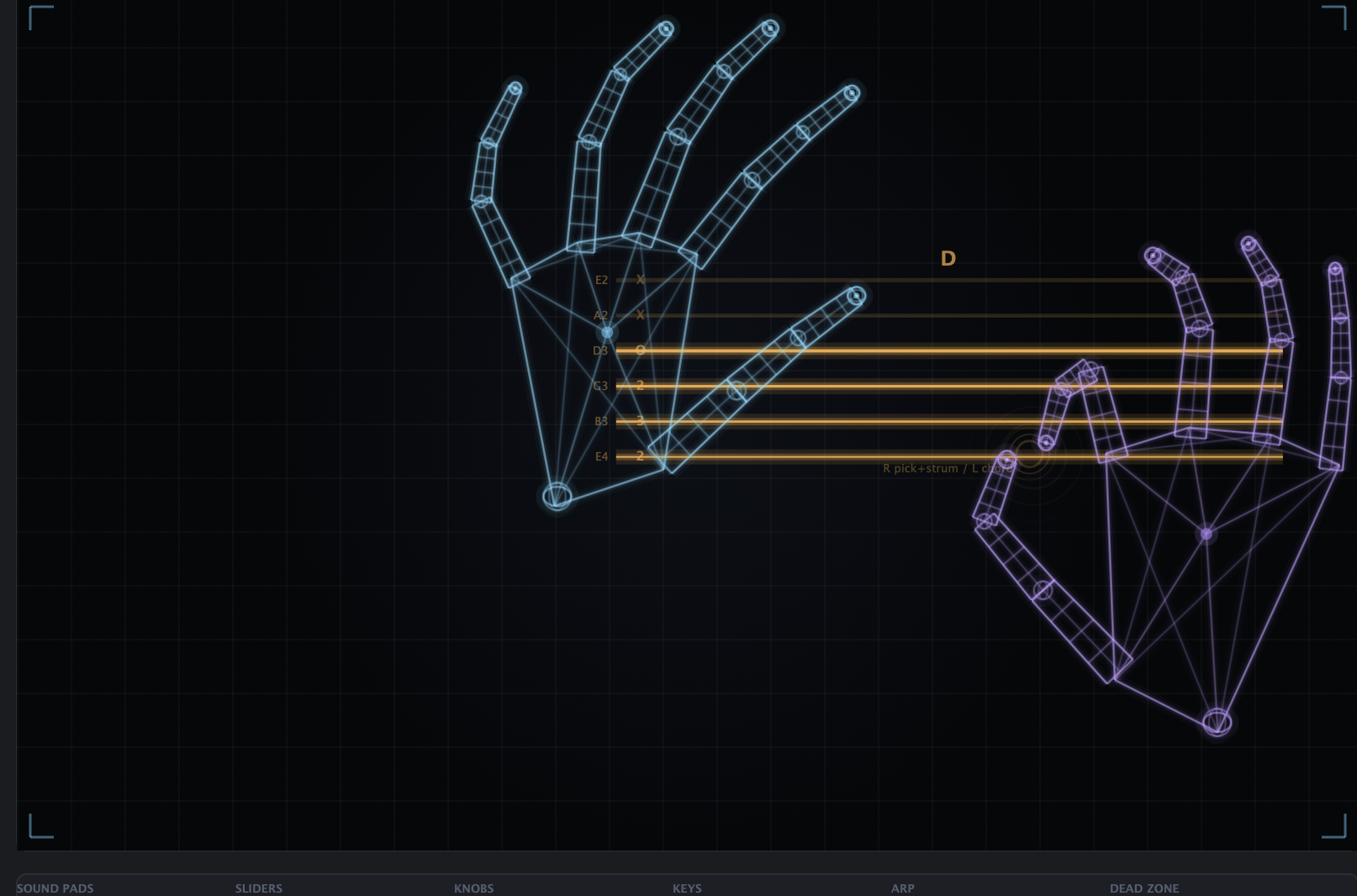
Six virtual strings on the canvas. One hand picks and strums — pinch like you're holding a pick and sweep up or down across the strings. The other hand shapes chords by signing numbers 1–5, each mapped to a chord from a 12-chord library. Two hands, two roles, one instrument.
Sliders & Knobs

Sliders & Knobs

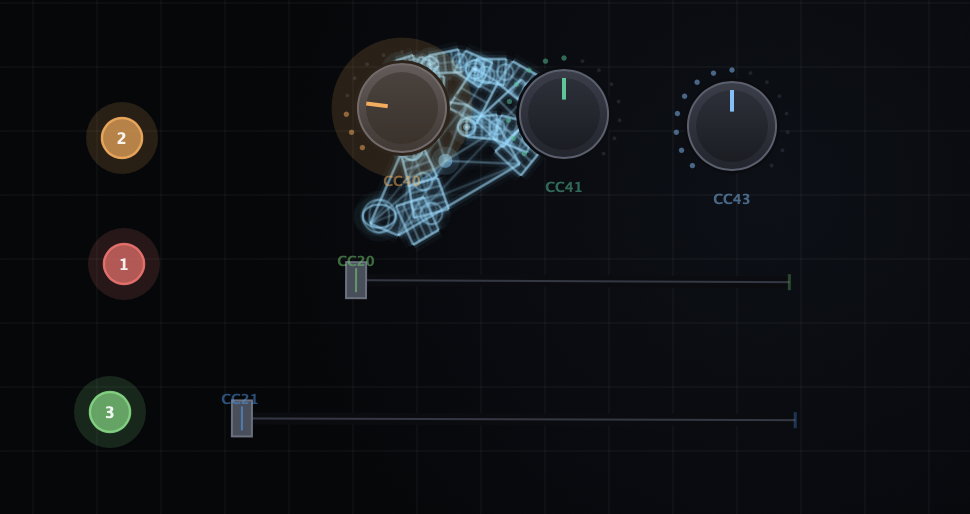
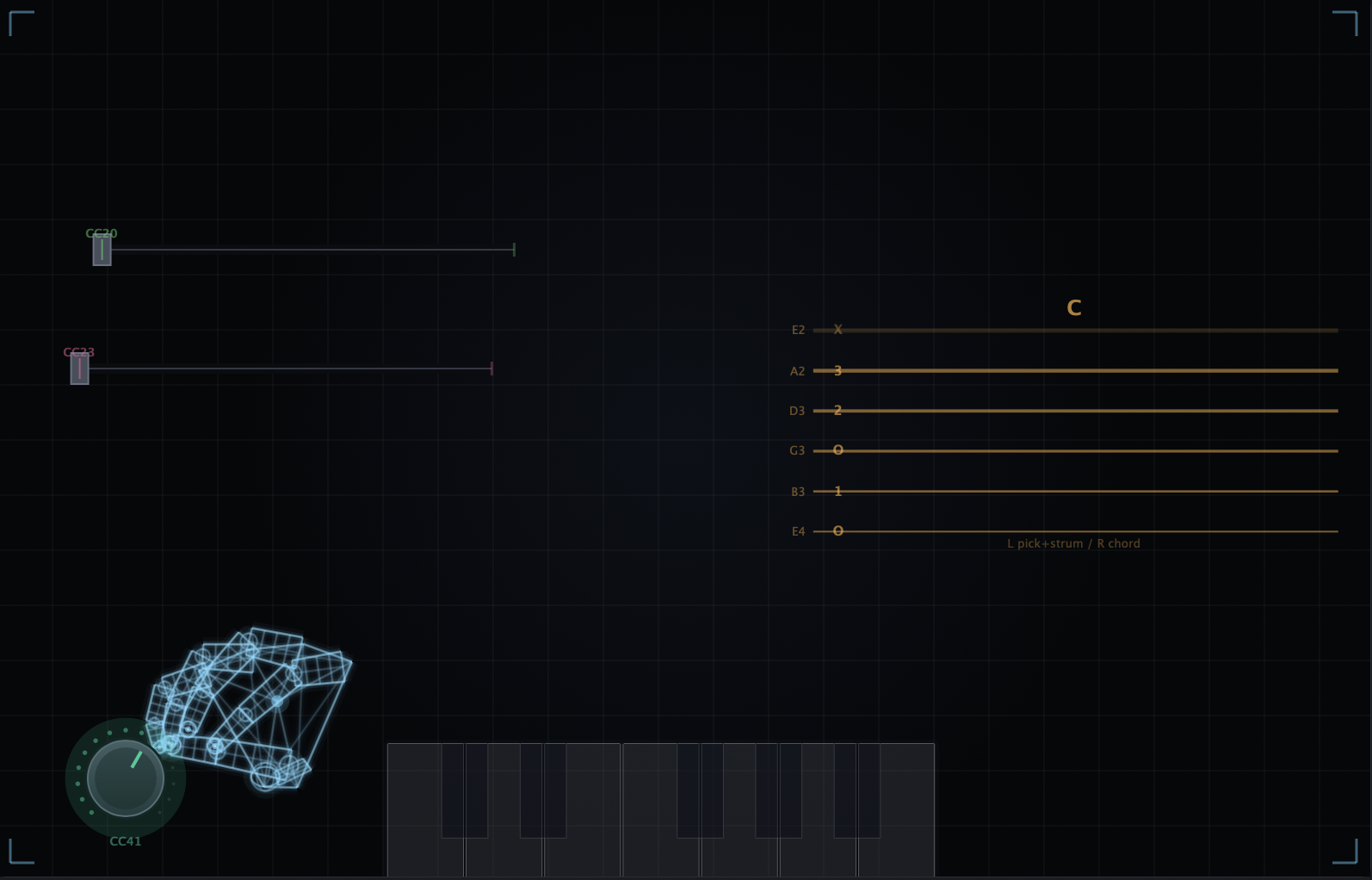
Drag sliders and knobs onto the canvas. Grab a slider with a fist grip and slide along the line. Pinch near a knob and twist your wrist to rotate. Each one maps to any CC channel with adjustable range.

I bought it on a Tuesday and used it on a record by Friday. The latency just isn't there. It feels like the synth is reading my mind — or at least my left hand.

Lila Ostrowski / Producer · Brooklyn / Sub Pop, Erased Tapes
Tested & happy in —
Ableton Live Logic Pro FL Studio Bitwig Reaper Cubase Pro Tools
§ 03 — The deal

One price.
One click.
Yours forever.

No subscription. No "Pro" tier hiding the good stuff. No upgrade tax in 18 months. Pay once, own it, get every future update for free.

Nimbus — VST3 / AU / Standalone$29.90
Two-hand trackingincluded
12 CC channels · gesture editorincluded
Smart gesture recordingincluded
3 machines · lifetime updatesincluded
TOTAL — pay once$29.90
★ LIFETIME UPDATES ★ NO SUBSCRIPTION ★ INSTALL ON 3 MACHINES ★ YOURS FOREVER ★
Pay once
$29.90
Lifetime — forever & ever
§ 04 — Questions

Things people ask

If your question isn't here, the answer is probably "yes."

Still stuck? Email us, we read everything.

hello@nimbus.audio

What hardware do I actually need? +
Any webcam — your laptop's built-in one works fine. A DAW that supports VST3 or AU. macOS (Windows coming soon). That's the whole list. No glove, no Leap Motion, no Kinect.
How much CPU does the tracking eat? +
8–15% of one core on a 2020-era laptop. It runs on its own background thread, so it never blocks audio — your real-time DSP stays bulletproof.
Can I use it live, on stage? +
Yes — that's a main use case. Low latency tracking, well below the threshold of perception. A lot of users mount a small camera on a mic stand and play it like an instrument.
Does my camera feed leave my machine? +
Absolutely not. No cloud, no telemetry, no nothing. The tracking core is open source — clone the repo and audit it line by line if you'd like.
Nimbus 1.0.0

Stop reaching
for the mouse.