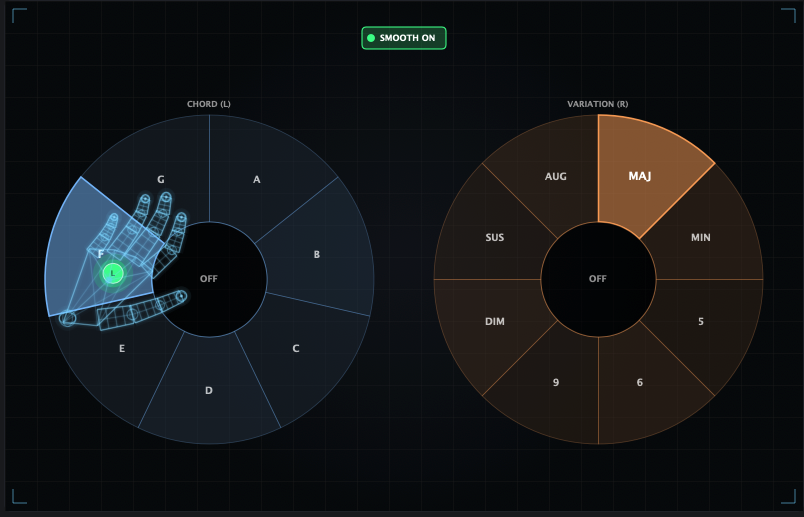
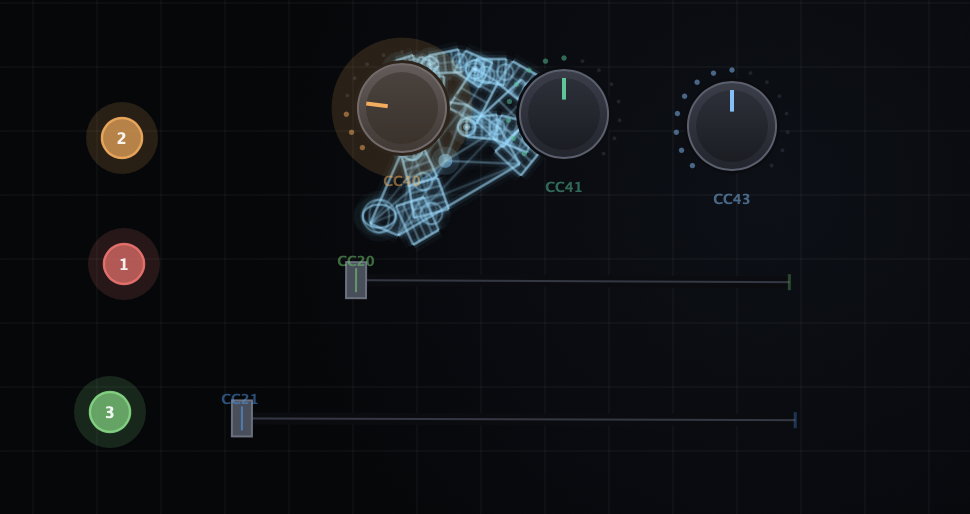
Play the air like an instrument. Most controllers give you knobs. Nimbus gives you a voice. Turn on MPE Mode and your hands become a fully polyphonic, fully expressive instrument tracked by your webcam.
Play the air like an instrument. Most controllers give you knobs. Nimbus gives you a voice. Turn on MPE Mode and your hands become a fully polyphonic, fully expressive instrument tracked by your webcam.
Pinch to play. The height of your hand chooses the note - locked to any scale you like, so you're always in key. Then shape it: slide sideways to bend, push forward for pressure, dip down to swell or fade. Because Nimbus speaks true MIDI Polyphonic Expression, every note carries its own bend, pressure, and dynamics - the way an acoustic instrument breathes.
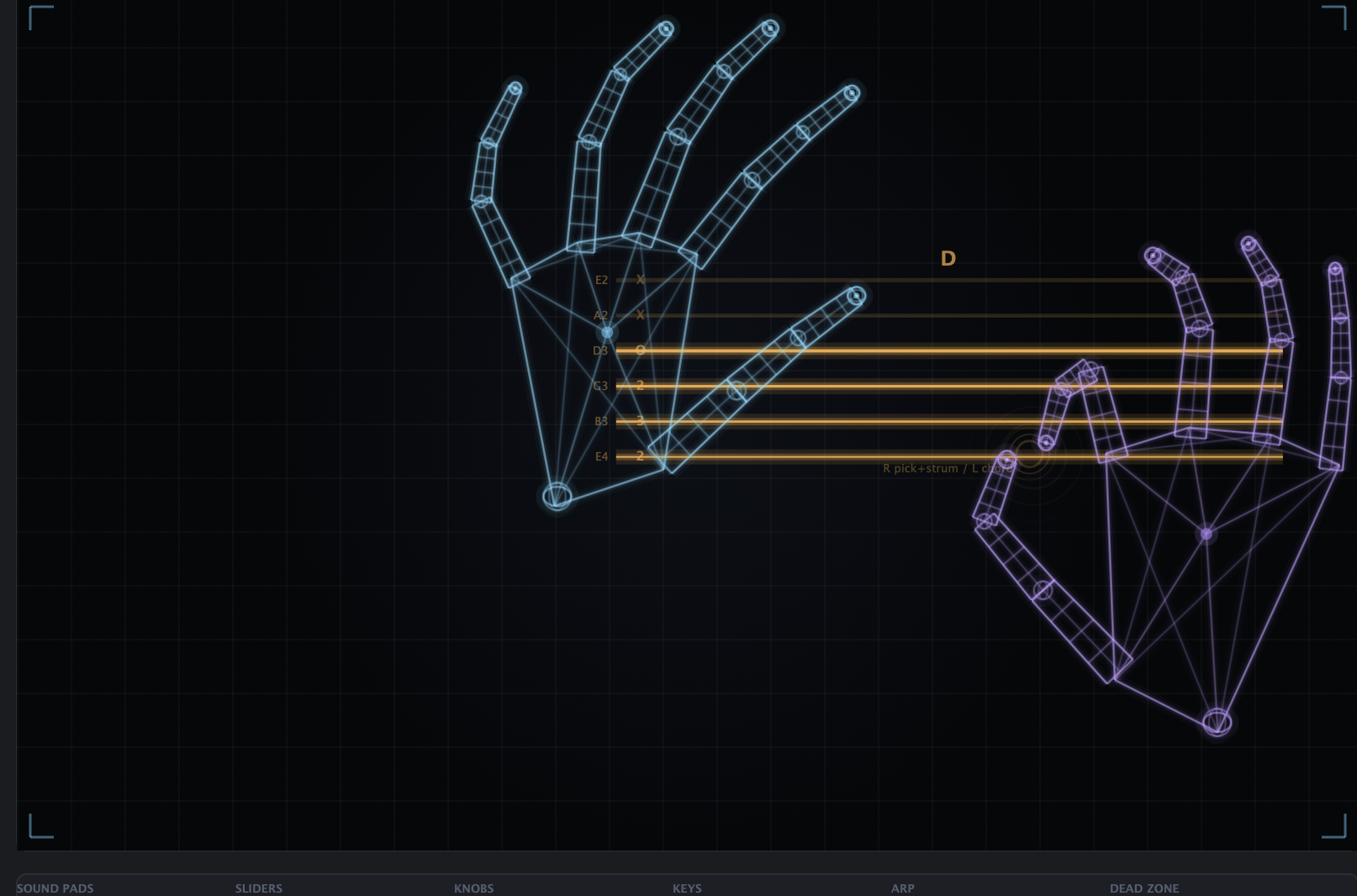
Reach further without moving: each hand's three fingers play the note below, the note itself, and the note above, and rolling between them glides the pitch in smooth legato. Bring in your second hand for a two-voice performance. An on-screen note map and live voice meters keep you oriented the whole time.
From ambient pads to lead lines, MPE Mode turns hand-tracking into real musicianship - and it drops straight into your DAW as an AU or VST3 to drive any MPE synth.
Latency is camera-dependent - a 60fps-capable webcam feels notably tighter than a 30fps one.
How to use
Play in six moves.
Turn on MPE Mode
Enable MPE Mode and choose a scale. Every note you play locks to that scale, so you stay in key.
Pinch to play
Pinch your fingers to sound a note. The height of your hand selects the pitch.
Shape the note
Slide sideways to bend, push your hand forward for pressure, and dip down to swell or fade - per note.
Roll across three fingers
Each hand's three fingers play the note below, the note, and the note above. Roll between them for smooth legato glides.
Add your second hand
Bring in the other hand for a two-voice performance. Watch the on-screen note map and live voice meters to stay oriented.
Route to your synth
Load Nimbus as an AU or VST3 in your DAW and point it at any MPE-capable synth.